RAID 1 is the level people trust most, which is precisely why it catches them out. Two drives, identical copies, one can die and you carry on. Simple and genuinely effective.
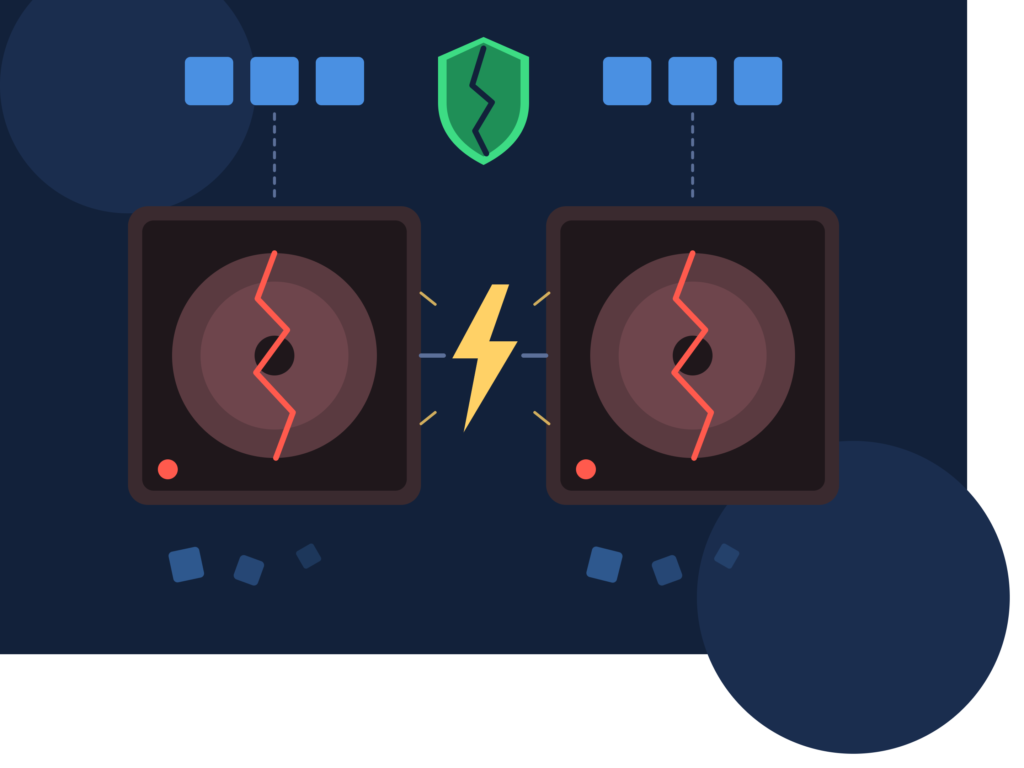
Until both go. And when businesses ring about RAID 1 Data Recovery Services, “both mirrors are gone” is a far more common opening line than the marketing would suggest.
How does RAID 1 protect data, and where does that protection stop?
RAID 1 mirrors every write to two drives at the same time. Whatever lands on drive A lands identically on drive B. Lose one and the other carries the full dataset, so you keep working while you replace the dead member.
That covers exactly one thing well: a single mechanical drive failure.
It does not cover deletion, because deleting a file deletes it from both mirrors instantly. It does not cover ransomware, corruption, or a bad write from failing memory, all of which replicate perfectly to both drives. And it does not cover anything that kills both drives at once, such as a power surge through the server, a controller fault writing rubbish to both members, or a fire sprinkler in the comms cupboard.
Mirroring is redundancy. It is not a backup, and treating the two as the same thing is the most expensive assumption in small business IT.
Why do both mirrors fail at the same time?
Two reasons, and the first one is almost funny in hindsight.
The most common cause is that the first failure was never noticed. RAID 1 is designed to keep working in degraded mode, silently, so unless someone is actively monitoring alerts the server keeps humming along on one drive for months. When that surviving drive eventually fails, it looks like a sudden catastrophic event. It was actually two separate failures with a long, quiet gap in between.
Check your server’s alert emails. If nobody has seen one in a year, that is not good news, it usually means nobody configured them.
The second reason is shared conditions. Same batch, same heat, same vibration, same power supply. A surge, a UPS failure or a hot cupboard in a Port Melbourne warehouse over summer hits both drives equally.
What should you do when a mirror fails?
Work out whether one drive has failed or two, then act accordingly.
If one drive has failed and the array is degraded, take a backup now, before you replace anything. This is the step almost everyone skips. Replacing the drive triggers a resync, which reads every sector of your surviving drive, and if that drive has weak sectors the resync is what will finish it off. Copy the data off first, then rebuild.
If both drives have failed, stop entirely. Do not attempt a rebuild in either direction. Rebuilding a mirror copies one drive onto the other, and if the controller picks the wrong direction it will overwrite your good data with the bad drive’s contents. That mistake is unrecoverable and it happens regularly.
Label which drive is which, note the port each was connected to, and call for professional data recovery services before touching the configuration.
How does RAID 1 recovery actually work?
Because each drive theoretically holds a complete copy, RAID 1 recovery is usually more straightforward than parity based levels. Usually.
An engineer images both drives independently, then compares them. Often one drive is physically damaged but logically current, while the other is physically fine but logically stale from a failure that happened months earlier. The best result frequently comes from merging the two, taking current data from the damaged drive wherever it can be read, and filling gaps from the older healthy mirror.
That merge work is where specialist RAID 1 Data Recovery Services earn their fee. Software on its own cannot reliably judge which version of a conflicting sector is correct. File system timestamps, journal entries and directory structures all have to be weighed up.
Typical outcomes are strong. Where at least one drive is imageable, recoveries above 95 percent are normal. Where both drives have physical damage, results depend on whether the bad regions overlap, and quite often they do not, which is the one genuine piece of luck in the whole situation.
Frequently asked questions
Can I just plug one mirror drive into another PC and read it?
With software mirroring, sometimes. With hardware RAID controllers, often not, because controller metadata sits at the start or end of the disk and confuses the operating system. The bigger risk is Windows offering to initialise the disk, and someone clicking yes.
How do I know if my RAID 1 has been running degraded?
Check the controller utility or the server management console, not the front panel lights. Lights fail. Set up email alerts today if none exist, because this single step prevents most RAID 1 disasters.
Does RAID 1 protect against ransomware?
No, not at all. Encryption is written to both mirrors simultaneously. You need offline or immutable backups for that, full stop.
Is recovery still possible if the resync already started?
Often yes, especially if it was stopped early. A partial resync overwrites part of the target drive, so the source drive usually still holds a complete picture. Stop the process and get it assessed rather than letting it finish.