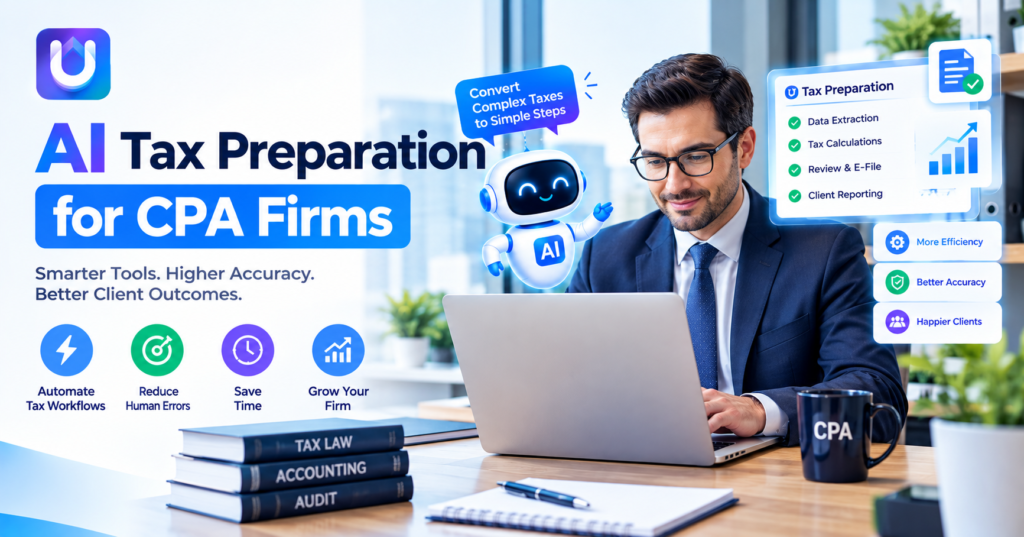
Tax season doesn’t get shorter, but client rosters keep growing. Staff spend hours on data entry and document chasing that adds no real value to the client relationship.
That gap between growing workload and flat headcount is exactly why AI tax preparation for CPA firms has moved from a nice-to-have to a competitive necessity.
What AI Actually Does in Tax Preparation
“AI-powered” gets used loosely in this space, so it’s worth being specific about what these tools actually handle.
- Document ingestion — pulling data from client-submitted PDFs, scans, and spreadsheets automatically
- Data validation — cross-checking figures against prior-year returns to flag inconsistencies
- Preliminary categorization — sorting income and expense items before a preparer reviews them
- Client status tracking — showing which returns are missing documents, in review, or ready to file
None of this replaces the preparers judgment on positions, deductions or edge cases. It removes the front-end work so staff can spend more time on the parts that actually require expertise.
Picking the AI tax preparation tool for CPA firms is not just about fancy words that sound good. It is, about finding a system that really works with the way your firm deals with clients every day.
A service that says it is fast but forgets about handling clients at once keeping track of changes or making sure staff check the work will end up making things harder instead of easier. The firms that save time are the ones that look at the software and see how it helps with the problems they face every day not just what it says it can do.
What Sets CPA Firm Software Apart From Consumer Tax Apps
A tool built for a single filer and a tool built for a firm handling 200 returns are solving different problems.
Multi-Client Dashboards
Firms need a single view showing every client’s filing status, missing documents, and assigned preparer — not a one-return-at-a-time interface.
Bulk Document Processing
Uploading and processing documents client-by-client doesn’t scale. Firm-grade tools should handle batch uploads across dozens of clients at once.
Role-Based Access and Review Workflows
Junior staff, senior preparers, and partners typically need different levels of access. Software should support a structured review chain, not just a shared login.
Integration With Practice Management Systems
If your firm already runs on a practice management platform, your tax preparation automation for CPA firms should sync with it rather than creating a separate, disconnected workflow.
Evaluating Tax Preparation Automation for CPA Firms
Before adopting a new platform, firms should look past the sales demo and check for:
- Data security certifications — SOC 2 or equivalent, given the volume of sensitive client data involved
- Correction workflows — how easily a preparer can fix a miscategorized transaction
- Scalability — whether pricing and performance hold up as client count grows
- Support availability during peak season — not just during onboarding
Platforms like UP TAX are built for how firms work. Managing many clients handling large amounts of data and having clear records for audits. Instead of trying to use a tool made for one person in a firm, which often causes problems, for businesses that grow beyond their first software choice.
Common Pitfalls When Choosing AI Tax Filing Software
- Assuming automation equals accuracy. AI reduces manual error but still requires human review on every return.
- Underestimating the switching cost. Migrating client data mid-season can create more disruption than waiting for a slower period.
- Ignoring staff training time. Even intuitive software needs an onboarding period before it saves real time.
- Choosing based on marketing claims alone. Ask for a trial with real client data rather than a sanitized demo.
The Real Decision Isn’t Automation vs. No Automation
Every firm doing tax prep manually today will eventually face this decision, and the question isn’t whether to automate but which parts of the workflow are worth automating first.
Start with the task consuming the most staff hours for the least professional judgment — usually document collection and data entry — and build outward from there rather than trying to overhaul the entire practice at once.
Frequently Asked Questions
Does AI tax preparation software replace a CPA’s review?
No. It automates data collection and preliminary sorting, but a licensed preparer still reviews and signs off on every return.
How is tax preparation automation for CPA firms different from regular tax software?
Firm-focused tools support multi-client dashboards, bulk processing, and role-based access — features individual tax software typically doesn’t offer.
What’s the best AI tax filing software for a growing firm?
It depends on client volume, integration needs, and budget. [Placeholder: verify current comparative pricing/feature data across major platforms before publishing.
Is client data safe with AI-based tax platforms?
Reputable platforms use encryption and hold security certifications, but firms should independently verify a vendor’s specific compliance standards.
How long does it take a firm to onboard new tax automation software?
This varies by firm size and existing systems, so onboarding timelines should be confirmed directly with the vendor rather than assumed.