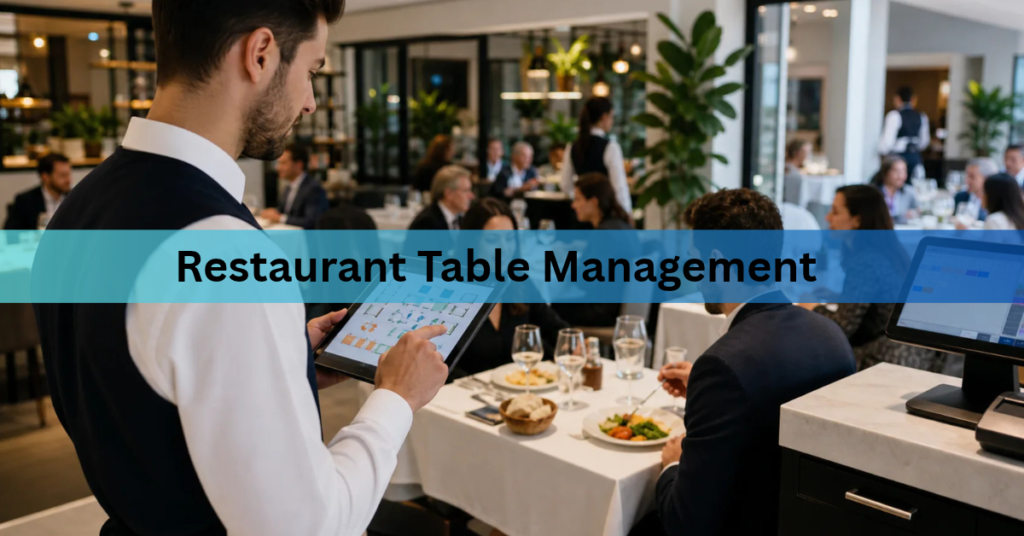
Restaurant table management plays an important role in keeping dining areas organized and helping staff deliver smooth service. From assigning seats to monitoring occupied tables, restaurant owners need a clear view of what is happening across their dining space. A well-organized restaurant floor plan makes it easier to manage customers, coordinate employees, and handle busy service hours. With the right approach and tools, businesses can simplify seating arrangements and monitor table activity. Learn more about modern restaurant operations through Restaurant POS One.
What Is Restaurant Table Management?
Restaurant table management refers to the process of organizing dining tables, assigning seating, and monitoring table availability throughout service hours. It helps restaurant teams understand which tables are occupied, available, reserved, or waiting to be cleaned.
Instead of relying entirely on verbal communication, restaurants can use a visual table management system to keep seating information organized.
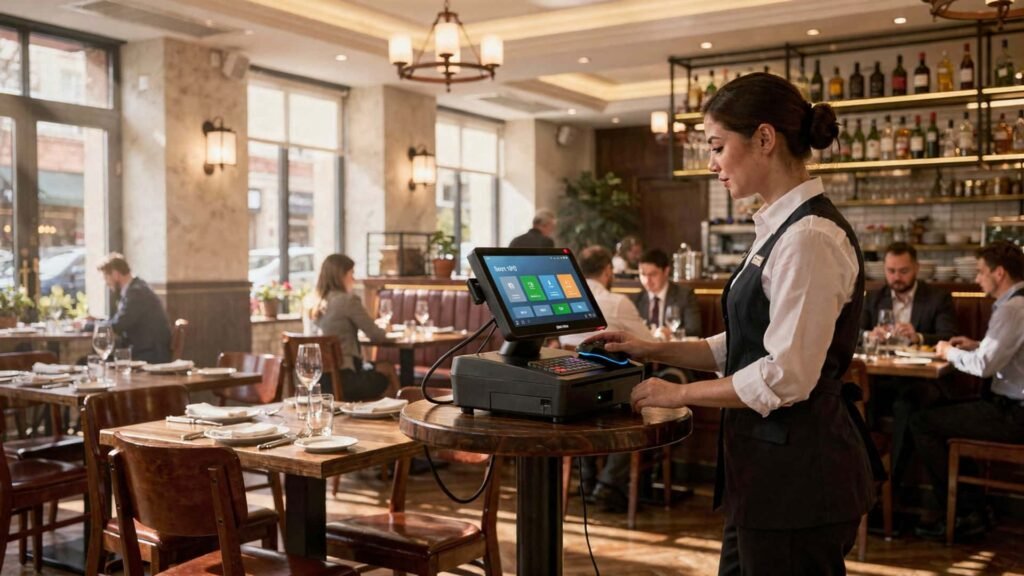
For example, when a family arrives at a restaurant, the host can check the floor plan, identify a suitable table, and assign the guests without interrupting employees who are already serving other customers.
An organized system is particularly useful for restaurants with multiple dining areas, outdoor seating, or several floors.
Why Is an Organized Restaurant Floor Plan Important?
A restaurant floor plan is more than a drawing of tables and chairs. It provides a practical overview of how the dining space is arranged and how customers move through it.
Here are some reasons why an organized layout matters.
1. Better Seating Arrangements
Every customer group has different seating requirements. A couple may prefer a small table, while a large family may need a combined seating arrangement.
A properly planned layout helps staff identify suitable tables according to:
- Number of available seats
- Table size and shape
- Indoor or outdoor preferences
- Accessibility requirements
- Group seating arrangements
This makes seating decisions easier, especially during busy periods.
2. Improved Staff Coordination
When employees can view the same floor plan, communication becomes more straightforward.
Hosts can identify available tables, servers can locate their assigned sections, and managers can monitor dining activity without repeatedly checking with different employees.
This shared understanding helps reduce confusion during service.
3. Better Use of Dining Space
An inefficient layout can create unnecessary gaps, crowded walkways, and uncomfortable seating arrangements.
Restaurant owners should consider how tables are positioned and whether employees and customers can move comfortably between them.
A practical layout should balance seating capacity with:
- Comfortable walking paths
- Easy access to tables
- Kitchen accessibility
- Emergency exits
- Customer privacy
The goal is not simply to fit more tables into a room. It is to create a comfortable and functional dining environment.
Understanding Live Table Status
One of the most useful features of a modern table management system is live table status tracking.
It gives restaurant staff a quick overview of table activity without requiring them to inspect every seating area individually.

Common table statuses include:
Available
The table is vacant, cleaned, and ready for new customers. Staff can assign incoming guests to it.
Occupied
Customers are currently seated and using the table. Their orders may also be connected to the table through the restaurant POS.
Reserved
The table has been assigned to an upcoming booking. Staff can keep it available for the expected guests.
Cleaning
Customers have left, but the table still needs to be cleaned before another group can use it.
These statuses help employees understand what action is required at each table.
For instance, a table marked as cleaning should not be treated as immediately available. Similarly, a reserved table should not be assigned to walk-in customers without checking its booking details.
How to Organize Multiple Floors and Seating Areas
Restaurants with larger premises often have different dining sections. Managing these areas separately can make daily operations easier.
Here are some practical ways to organize them.
Create Separate Floor Plans
Start by dividing the restaurant into clearly identified areas.
For example:
- Ground Floor: Main dining area
- First Floor: Family seating
- Outdoor Area: Patio or garden seating
- Private Section: Group dining and events
Each section should have its own table numbers and seating information.
Assign Table Numbers
Use a consistent numbering system to help employees identify tables quickly.
For example, ground-floor tables could be numbered G1, G2, and G3, while first-floor tables could use F1, F2, and F3.
This reduces confusion when staff communicate about orders, customer requests, and billing.
Consider Table Capacity
Every table should have a clearly defined seating capacity.
A simple arrangement might include:
- Two-seater tables for couples
- Four-seater tables for small families
- Six-seater tables for larger groups
- Flexible arrangements for special occasions
Where space permits, some tables can be combined to accommodate bigger parties.
How a Table Management System Simplifies Daily Operations
Managing tables manually can become difficult when several customers arrive simultaneously.
A digital table management system can provide a visual overview of the dining area and help staff coordinate seating activities.
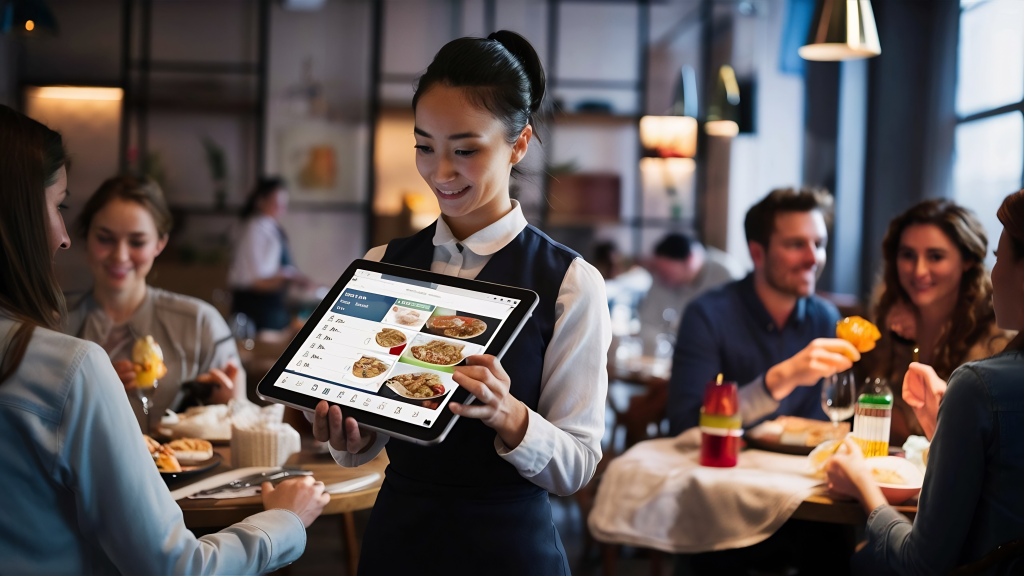
Depending on the software, useful capabilities may include:
- Visual Floor Plans: View the restaurant’s seating arrangement on one screen.
- Live Table Status: Identify available, occupied, reserved, and cleaning tables.
- Table Assignments: Assign customers to suitable seating areas.
- Multiple Floor Management: Organize different floors and dining sections.
- Order Connection: Associate customer orders with specific tables.
- Table Transfers: Move an active order when customers change seats, where supported.
When table information is connected with POS operations, employees can access relevant order details without managing separate records.
However, restaurant owners should check which features are included in their chosen software because capabilities can vary between systems.
For more insights into restaurant technology and digital operations, explore our guide on Restaurant Management Software.
Practical Tips for Better Restaurant Seating Management
Even with a digital system, proper planning remains essential. Restaurant managers can improve their seating arrangements by following a few simple practices.
1. Keep Table Numbers Consistent
Use clear and recognizable table numbers across all dining sections.
2. Review Seating Capacity
Avoid overcrowding tables or placing too many seats in limited spaces.
3. Update Table Status Promptly
Employees should update table information when customers arrive, leave, or request their bills.
4. Keep Walkways Clear
Make sure staff can carry food and customers can move comfortably between tables.
5. Train Employees
Ensure hosts, servers, and managers understand how to use the floor plan and update table statuses correctly.
6. Review Busy Hours
Observe which sections experience the highest demand and adjust staff assignments accordingly.
Small improvements in daily seating management can make restaurant operations more organized.
Common Table Management Mistakes to Avoid
Some seating problems occur because restaurants do not have consistent procedures.
Common mistakes include:
- Incorrect table numbering
- Outdated floor plans
- Unclear seating assignments
- Delayed status updates
- Poorly positioned tables
- Unorganized reservation handling
- Insufficient employee training
Restaurant owners should review these areas regularly. A floor plan that worked when the restaurant first opened may need adjustments as customer demand and seating requirements change.
Conclusion
Restaurant table management is an important part of maintaining an organized dining environment. A practical floor plan, clear table numbering, and accurate seating information help employees coordinate their responsibilities and manage customer flow more effectively.
Whether a restaurant operates in one dining room or across multiple floors, understanding table availability and organizing seating areas can simplify everyday tasks.
By combining thoughtful space planning with an appropriate table management system, restaurant owners and café managers can create a more structured approach to seating, improve staff coordination, and make better use of their available dining space.
To learn more about restaurant management solutions, visit Restaurant POS One and explore its business profile.