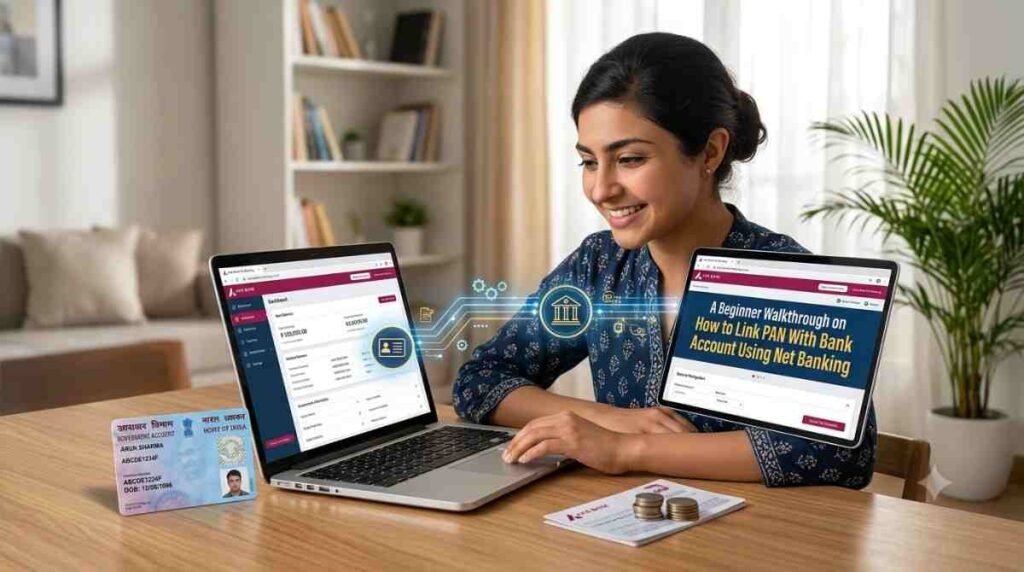
Linking PAN with a bank account through net banking takes a few steps.
In today’s digital age, linking your Permanent Account Number (PAN) with your bank account is essential. Not only is it a regulatory requirement in many jurisdictions, but it also enhances financial transparency and ensures compliance with tax regulations. This article offers a detailed walkthrough for beginners on how to link PAN with bank accounts using net banking.
Why Link PAN With Bank Account?
Linking your PAN with your bank account helps in various ways:
- Tax Compliance: Linking your PAN helps the government keep track of your taxable transactions.
- Investment Verification: Many financial institutions, including Bajaj Finance, require PAN for verifying the authenticity of income.
- Avoid Penalties: Not linking PAN may result in penalties or restrictions on withdrawals.
- Convenience: Once linked, transactions become seamless, especially during tax filing.
Prerequisites for Linking PAN with Bank Account
Before you start the linking process, ensure you have the following:
- Valid PAN Card: Your PAN card must be valid and not expired.
- Bank Account: You should have a registered bank account with internet banking access.
- Net Banking User ID and Password: Make sure you have your net banking credentials handy.
Step-by-Step Guide on How to Link PAN with Bank Account Using Net Banking
Following are the step-by-step instructions on how to link your PAN with a bank account using net banking:
Step 1: Log into Your Net Banking Account
- Open Your Bank’s Website: Access the official website of your bank.
- Click on Net Banking: Look for the net banking option, usually located prominently on the homepage.
- Enter Credentials: Log in using your User ID and Password.
Step 2: Navigate to Profile Section
- Locate Profile or Services Tab: Once you are logged in, look for a tab labeled ‘Profile’, ‘Services’, or ‘Settings’.
- Select PAN Linking Option: Within this section, search for the option to link your PAN with your bank account. It may be labeled as ‘Link PAN’, ‘PAN Registration’, or something similar.
Step 3: Enter PAN Details
- Input PAN Information: You will be prompted to enter your PAN number. Ensure that you type it correctly.
- Confirm PAN Details: Most systems will ask you to retype your PAN for verification.
Step 4: Submit the Request
- Review Information: Before submitting, double-check that the PAN details are correct and correspond to the information on your PAN card.
- Submit Request: Click on the ‘Submit’ button. Some banks may send you a confirmation message at this step.
Step 5: Confirm the Linking Status
- Status Check: After submitting your request, navigate to the ‘Account Statements’ or ‘Notifications’ section within your banking portal.
- Check Status: Most banks will send a confirmation once your PAN has been successfully linked. You may also receive an SMS or email.
Troubleshooting Common Issues
While the PAN linking process is straightforward, sometimes issues can arise. Here are some common problems and solutions:
Incorrect PAN Number
If you enter an incorrect PAN number, recheck the details against your PAN card and attempt the submission again.
PAN Not Matching with Bank Records
If your bank records don’t match your PAN card details, you may have to update your KYC information with your bank. This could involve submitting additional documents.
Technical Issues
If you’re facing issues with the bank’s website, consider clearing your browser cache, using a different browser, or accessing the site at a later time.
How Aadhaar Relates to PAN Linking
In India, the linking of Aadhaar with PAN is another critical aspect of financial identification. While linking your PAN with your bank account is essential, you may also be required to link your Aadhaar number with your PAN for tax compliance. This can be done through the Income Tax Department’s e-filing portal.
How to Link Aadhaar and PAN
- Visit the Income Tax e-Filing Website: Access the official e-filing website of the Income Tax Department.
- Log In: If you have an account, log in using your credentials.
- Link Aadhaar and PAN: Look for the option to link your Aadhaar with PAN and fill in the necessary details.
Why is Aadhaar-PAN Linking Necessary?
The Aadhaar-PAN linking helps curb black money and fraudulent tax claims, ensuring that multiple PAN details aligned with one Aadhaar number are eliminated.
Conclusion
Linking your PAN with your bank account using net banking is a simple process that enhances your financial integrity and ensures compliance with tax regulations. By following the steps outlined in this article, beginners can easily navigate through the process. Additionally, linking your Aadhaar with your PAN can further fortify your financial identity.
Remember, keeping your Bajaj Finance documents updated not only reduces the hassle during tax season but also maintains the legality of your financial activities. For any queries during the linking process, do not hesitate to contact your bank’s customer service. Happy banking with Bajaj Finance!
By ensuring that your PAN is linked correctly, you safeguard your financial future while complying with the regulatory requirements set forth by the government.