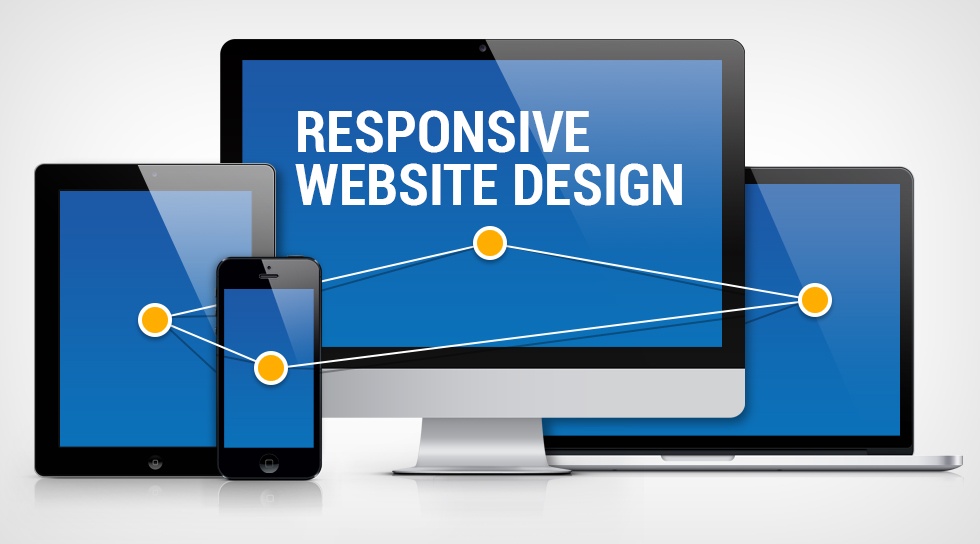
The current digital world requires all websites to provide responsive design capabilities. Your website needs to provide seamless transitions between various screen dimensions and devices, as users access websites through smartphones, tablets, laptops, and desktops. A responsive website delivers a better user experience, along with higher SEO performance and increased user engagement. The process of building a website from scratch might seem overwhelming, but the combination of proper methods and fundamental knowledge makes the process predictable and attainable. The guide provides complete information about the necessary procedures and vital aspects required to build a responsive website from its initial stages.
Understanding Responsive Web Design Principles
The definition of responsive web design needs to be established before coding work begins. Responsive web design enables your website to modify its layout depending on the device screen size and user orientation. The system uses flexible grids together with fluid images and CSS media queries to create this effect. You create one website that automatically adjusts between mobile and desktop displays instead of developing two separate websites. Users will experience consistent usability and visual design throughout your site because the system provides access through multiple channels. The design process must maintain user experience as its primary focus.
Planning Your Website Layout
Proper website planning serves as the foundation for building a successful responsive website. Start by outlining the structure of your site—homepage, about page, services, contact, and so on. Create wireframes or simple sketches to visualize how your content will be arranged across different devices. The design process starts with mobile devices, which designers use to create sites before expanding the design to cover larger devices. The design guarantees that users can access vital information without seeing extra content. Users can navigate your website through an intuitive design that requires them to spend minimal effort because of your focus on maintaining simplicity and clarity.
Setting Up the Basic HTML Structure
The project requires a complete HTML structure that follows semantic guidelines after you finish your design work. Use proper tags and organize your content. The use of semantic HTML improves content readability while making web content more accessible and easier for search engines to navigate. The viewport meta tag needs to be added to your HTML head section because it allows mobile devices to display your content at its intended scale. The structured HTML foundation of your website enables simple styling and maintenance processes throughout the entire website lifecycle.
Styling with CSS and Flexible Layouts
CSS functions as the primary technology that enables your website to adapt to various screen sizes. Designers should choose flexible measurement units that include percentages and ems and rems instead of using fixed measurement units, which include pixels. Designers should use Flexbox and CSS Grid as their layout systems because these tools enable them to create flexible design patterns. The tools enable users to position elements while maintaining equal space between sections and adjusting element sizes to fit various display dimensions. Designers should avoid using fixed layouts because they restrict content flow while designing their websites with adaptable systems that change according to content requirements. A professional and unified appearance emerges through users maintaining identical spacing patterns, text styles, and color choices throughout their work.
Using Media Queries for Device Adaptation
Media queries serve as the fundamental technology that enables websites to achieve responsive design. The technology enables you to apply various design elements based on different screen dimensions and device settings. Designers can modify font sizes and display elements, and change the screen layout for smaller devices. Designers should use breakpoints that match standard device dimensions. Designers should maintain minimal use of breakpoints because they should make adjustments according to the natural changes in their design instead of trying to achieve compatibility with particular devices.
Optimizing Images and Media
Images and media elements must also be responsive to ensure fast loading and proper display. Use modern formats like WebP because they provide better compression, which maintains original quality to enhance your project. The active implementation of lazy loading causes images to load when they become visible in the viewport, which leads to better performance results. The use of responsive media improves visual attractiveness while delivering faster page loading times and enhanced user experience.
Why It Matters?
The initial complexity of building a responsive website from scratch disappears when developers divide the work into smaller tasks. Your web development in Beaver Creek, CO, begins with core design principles, which guide you to create proper layouts through flexible CSS techniques and complete testing. The current user environment creates challenges for businesses because customers expect instant and complete service delivery through all digital platforms. The combination of your consistent practice with detailed work will enable you to become a master of responsive web design who creates exceptional websites.