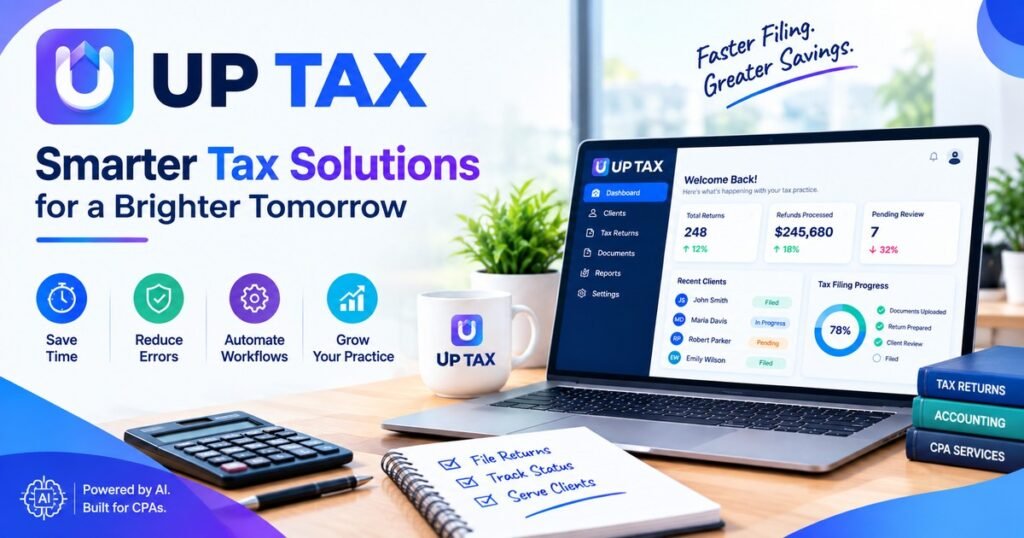
While that’s all very well and good — but what does that actually mean? Most people who do searches are interested in finding out about technologies around taxes that save you doing things manually.
This is where we find AI powered tax software, sitting somewhere between traditional packages and manual spreadsheet activities that many firms still perform by-hand
How AI Tax Software Works
It reads documents so people don’t retype them
Most tools combine optical character recognition with language models. They pull figures from W-2s, 1099s, K-1s, and bank statements, then place them in the right fields for review.
It checks work before a person does
AI tax software can compare this year to last year, spot missing forms, and flag unusual swings. Think of it as a tireless first reviewer. It does not replace the professional who signs the return.
It learns a firm’s habits
Good AI tax preparation software picks up how a firm codes common items. That saves time on repeat clients and keeps work consistent across staff.
Where It Helps Most
Not every task benefits equally. These are the areas where firms usually see the clearest gains:
- Document intake and sorting
- Data entry from source forms
- Prior-year comparisons and variance flags
- Client checklists and missing-document reminders
- Workpaper organization for reviewers
The common thread is repetition. If a task follows the same steps every time, software handles it well. If it needs judgment, a person should lead.
the IRS processed in the most recent filing season (IRS-gov) or the share of CPA firms reporting staffing shortages (AICPA.
What to Check Before You Adopt
Picking a tool is easier with a short checklist:
- Security. Ask about encryption, access controls, and independent audit reports such as SOC 2. Tax preparers also have data protection duties under the FTC Safeguards Rule and IRS guidance.
- Source tracing. Can you click a number and see which document it came from?
- Review controls. Look for approval steps and a clear audit trail.
- Return coverage. Confirm it supports the return types your clients actually file.
- Onboarding and support. A tool nobody on your team learns to use saves no time.
A Simple Way to Test It
For instance, suppose there was a ten-person firm that selected twenty very straightforward individual returns and ran both the new tool as well as their typical process side by side. The team tracked the prep-time, error flags and reviewer notes to see if the new tool would get more of a foothold with this organization over a couple of weeks.
Platforms such as UpTax are built around this idea. AI handles the repetitive prep, while CPAs and EAs keep control of the final review.
Common Mistakes to Avoid
The biggest one is treating AI output as final. Software can misread a blurry scan or misclassify an unusual item. Build a review step into every workflow.
Another one is trying to do too many things all at once. Begin with just one task, for example document entry, then build from there.
Final Thoughts
The big takeaway here is AI doesn’t replace the need for tax expertise but rather takes away the grunt work of typing, sorting, and chasing.
Firms that see their AI tools used more effectively when they’re employed as just one part of an overall strategy – where a trained professional makes the final decision on which results are valid — are getting the biggest bang for their buck.
Also reads about: https://pencraftednews.com/compare-the-best-tax-filing-software-for-cpa-firms-today/
FAQs
What is UP TAX?
This is the kind of phrase that someone uses when they are trying to find out more about using AI in tax preparations.
Is AI tax software accurate enough for filing?
It is highly accurate if you have clear, standard documents. Its accuracy decreases with bad scanning and unusual situations, which is why it must be verified by an expert before being filed.
How is AI tax software different from regular tax software?
Regular tax software mostly relies on manual entry and fixed rules.
Is AI tax preparation software safe for client data?
This varies from company to company. Before uploading any client data, you need to ask questions regarding encryption, access controls, data storage period, and audits.
Can small firms use AI powered tax software?
Yes. Smaller firms often feel the time savings most, since each hour freed from data entry goes back to advisory work or client service.