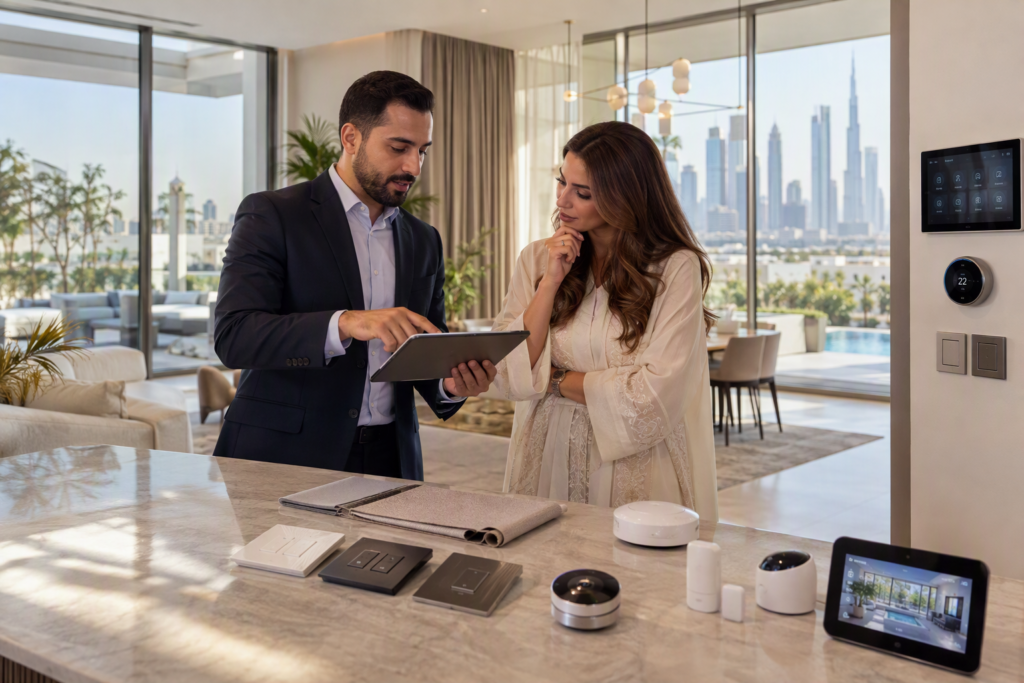
Smart devices can make daily home activities easier by allowing people to control lights, air conditioning, locks, and other equipment. When planning a Smart home Dubai setup, homeowners should understand how these devices work, what they need for installation, and whether they are suitable for their property. A little planning before buying devices can help avoid connection problems, extra costs, and difficulties during daily use.
Understand Your Daily Needs
Before buying smart devices, think about which activities you want to make easier. Some homeowners may want to control lights from their phones, while others may want smart locks, cameras, or automatic temperature control.
Make a list of the tasks you want the devices to handle. For example, smart lighting can help control lights in different rooms, while a smart thermostat can help manage indoor temperatures. Smart sensors can also help switch lights on when someone enters a room.
Starting with your main needs helps you avoid buying devices that you may rarely use. You can add more devices later when you understand how the first set works.
Check Your Wi-Fi Connection
Many smart devices use Wi-Fi to connect to a mobile application or communicate with other equipment. A weak internet connection can cause delays, connection problems, or difficulty controlling devices remotely.
Check whether your Wi-Fi signal reaches the rooms where you plan to install smart devices. Large homes, thick walls, and several floors can affect wireless coverage.
Some devices use other communication methods, such as Zigbee or Thread, and may require a compatible hub or controller. Before purchasing equipment, check its connection requirements and make sure your home network can support the planned setup.
Check Device Compatibility
Not all smart devices work with every mobile application or control system. Some products are designed for specific platforms, while others support several systems.
If you plan to connect lights, cameras, sensors, and air conditioning controls, check whether they can work together. A device that operates separately may not support the shared controls or automatic routines you want.
Also check whether a hub, bridge, or additional controller is required. Confirming compatibility before buying can reduce the chance of having to replace equipment later.
Plan Your Budget
The cost of installing smart devices depends on the number of devices, their features, and the work needed to connect them. A basic setup with smart bulbs and plugs may require little installation work. A larger system with automated curtains, smart locks, sensors, and central controls may need more planning.
Remember to consider more than the purchase price. Additional costs may include installation, wiring, controllers, network equipment, software subscriptions, and future maintenance.
It is helpful to divide your budget into essential devices and optional features. This allows you to begin with the most useful functions without installing everything at once.
Consider Privacy and Data Security
Some smart devices collect information about how people use their homes. Cameras may record video, smart locks may keep entry records, and voice assistants may process spoken commands.
Before installing a device, read its privacy settings and understand what information it collects. Check where the data is stored, who can access it, and whether cloud storage or a subscription is required.
Use strong, unique passwords for your accounts and enable two-step verification when available. Keep device software updated and remove access for people who no longer need it. These simple steps can help protect connected devices from unauthorized access.
Decide Between Wireless and Wired Devices
Smart devices can use wired or wireless connections, depending on their design and purpose. Wireless devices are often easier to add to an existing home because they may require less physical installation work.
Wired systems can provide stable connections and may suit larger projects or homes being built or renovated. However, they can require additional cabling and planning.
The right choice depends on your property, budget, network conditions, and the devices you want to use. For major installations, reviewing the layout before work begins can help determine where cables, power points, and controllers may be needed.
Think About Future Expansion
Your needs may change over time. You might begin with smart lighting and later add security cameras, automated curtains, or temperature controls.
Choose devices that can support your planned additions. Check whether the control system allows new devices to be added and whether it has limits on the number of connected products.
It is also useful to consider how the system will be managed if a device is replaced or a software platform changes. Flexible planning can make future upgrades easier and help reduce unnecessary replacement costs.
Make Daily Use Simple
Smart devices should be easy for everyone in the household to use. Consider whether family members can control essential functions without needing several applications or complicated steps.
For example, a simple control panel or a clearly named mobile application can make it easier to manage lighting and temperature. Automatic routines can also reduce repeated tasks, such as switching off selected lights at bedtime.
Keep manual controls available where practical. This is useful if a phone is unavailable, the internet stops working, or a smart device temporarily loses its connection.
Before installing several products, test a small setup and learn how it works. Understanding your needs, network, budget, privacy settings, and future plans can help you make informed decisions when creating a Smart home Dubai setup.